Tutorials
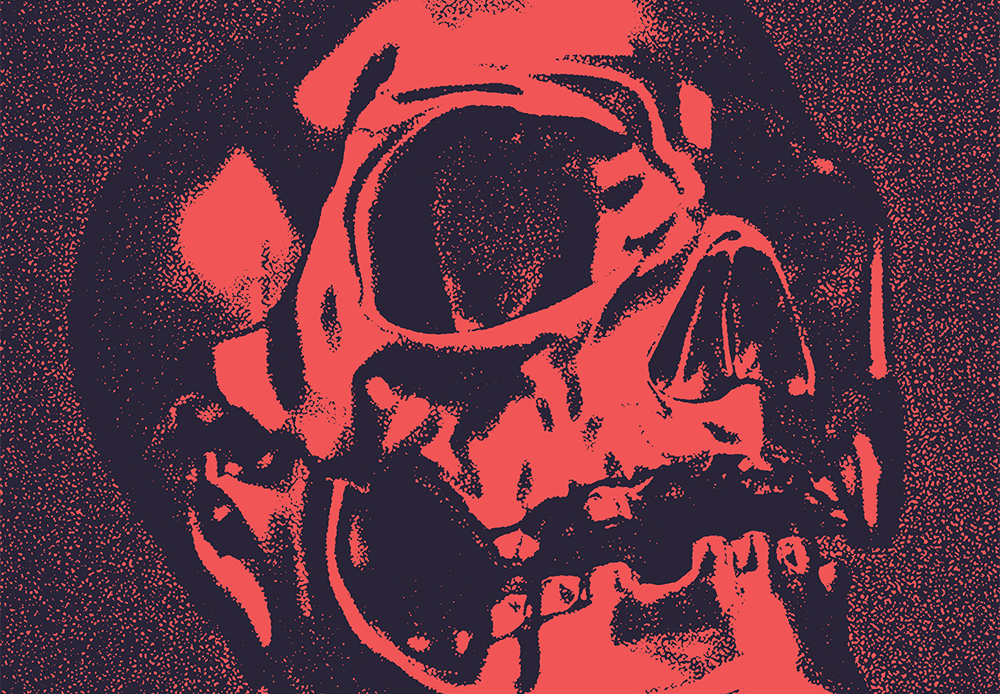
This grungy grainy style of image is often called the Xerox effect because of its similarity to old photocopied images. The image is given a high-contrast black-and-white appearance with shading generated by large grainy noise textures. Follow along with this tutorial to discover which combination of filters achieves the look and how you can customise the final appearance with my free duotone gradient presets.
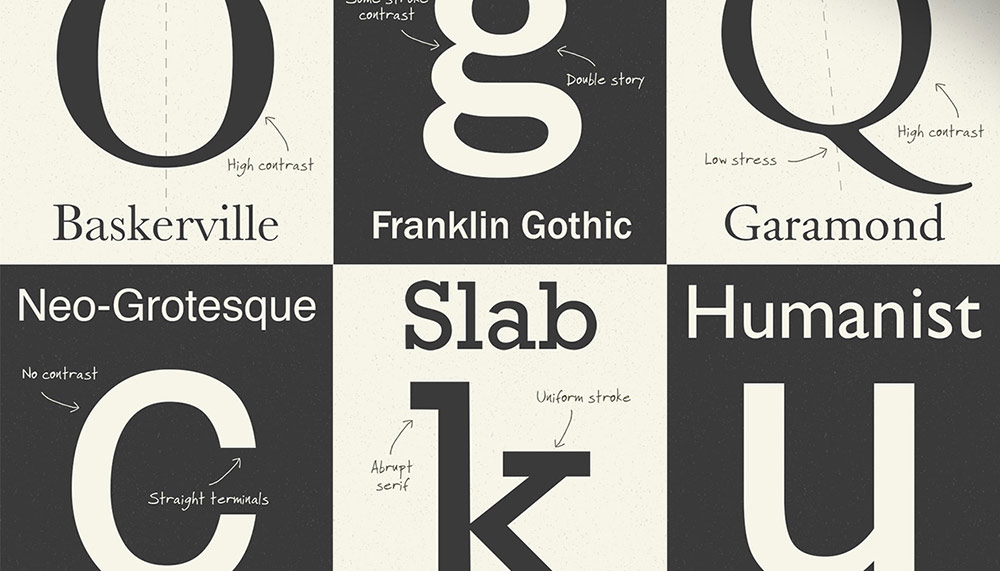
Typography is a core component of Graphic Design so it’s an important subject for every designer to learn. Typefaces are divided into classifications based on the era or characteristics of their design. Being able to identify a typeface style can help you make educated design decisions and choose the best font for your work depending on its use. In today’s video I’ll give a brief overview of the main typeface classifications of serif and sans serif fonts that have emerged throughout the history of movable type.
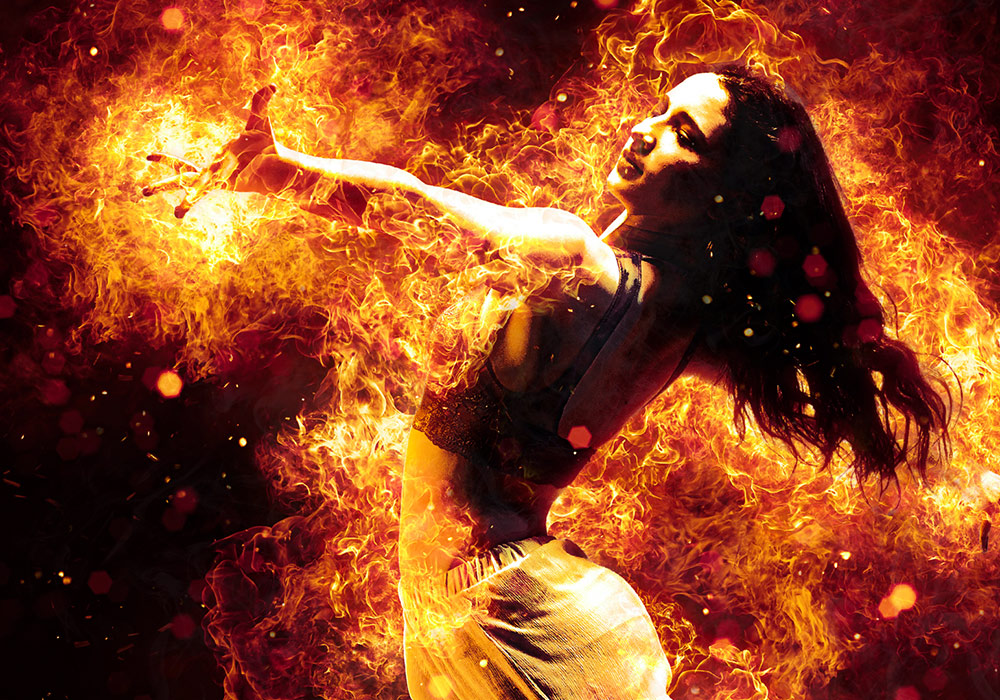
This Flames Photoshop Action is loaded with hundreds of steps that can be applied in seconds to produce an intense fiery explosion around your original image. In this resource review I’ll show you how to install the assets, apply the effect and customise the final result.
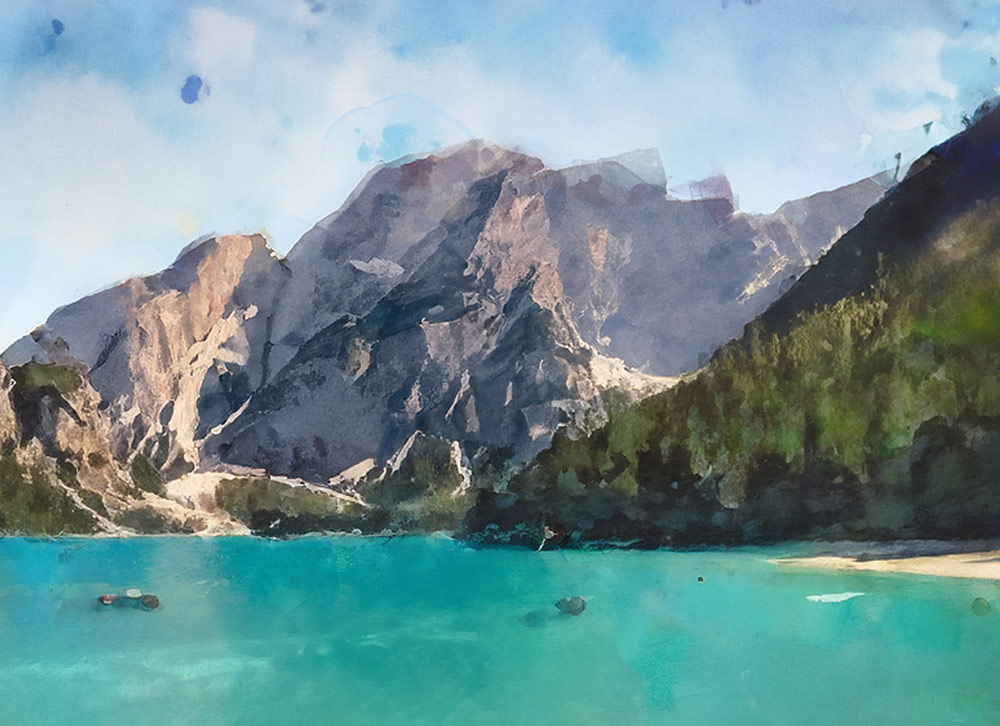
One of my most-watched videos every day on the Spoon Graphics YouTube channel is my tutorial showing how to create a watercolor effect in Photoshop. That tutorial uses a combination of Photoshop filters to transform an image with a painterly appearance. Since the addition of the Generative Fill tool to Photoshop, there’s a whole new way of creating a realistic painting effect with the help of AI.
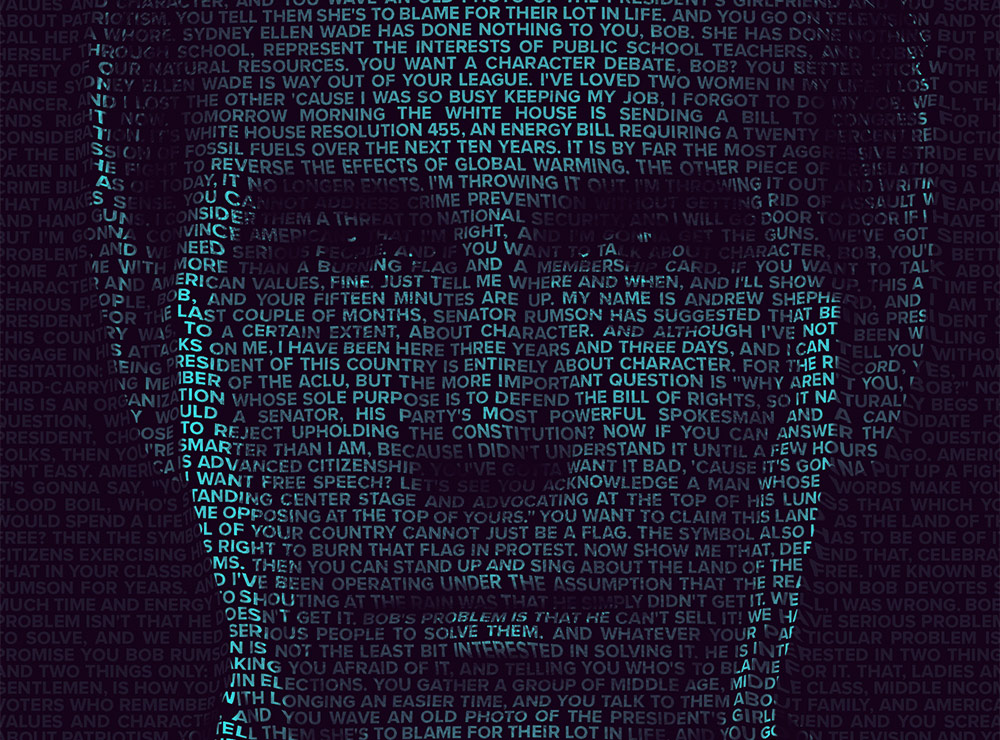
This text portrait effect is known as a Calligram. It’s where a passage of text bends and warps around the contours of the subject’s face. This effect is particularly powerful when used to present famous speeches by depicting the orator through their words. The process uses just a small selection of Photoshop’s tools, with the Displace filter and a clipping mask being the key ingredients to making the effect.
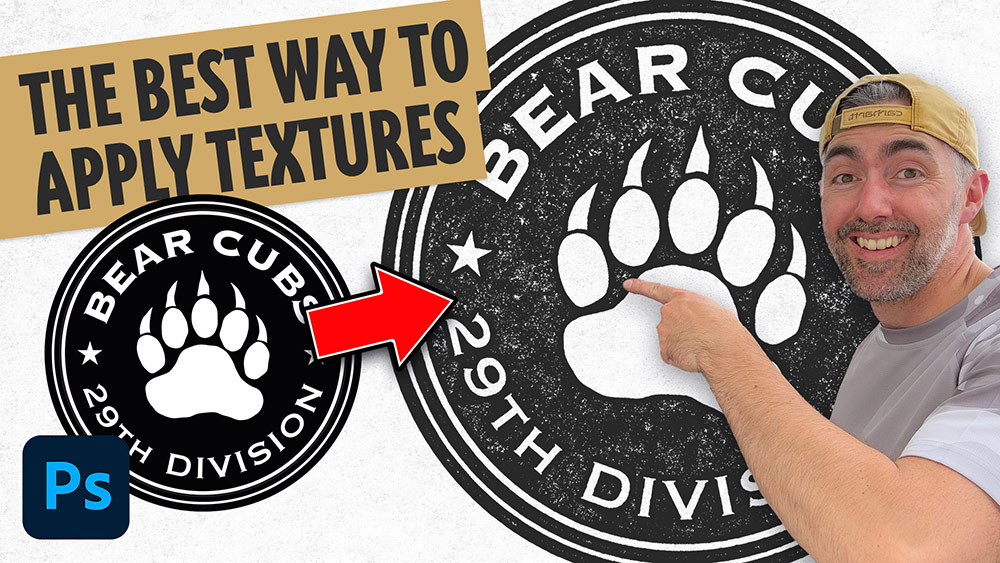
There are several ways to add texturing to your logo artwork in Photoshop, you could apply textures using brushes, add a texture image to a layer mask, apply a texture with a clipping mask, or even using a pattern overlay. All methods have their benefits, but my favourite technique is what I call the ‘knockout’ method. Using this technique to apply textures to your logos means you can easily layer up multiple textures non-destructively without it being permanently applied, so you can still edit and change the artwork if necessary.